
Lean PlanDo manual › Library
Library
Find ready-made industry standard forms in the Flow Library and add them to your project as templates.
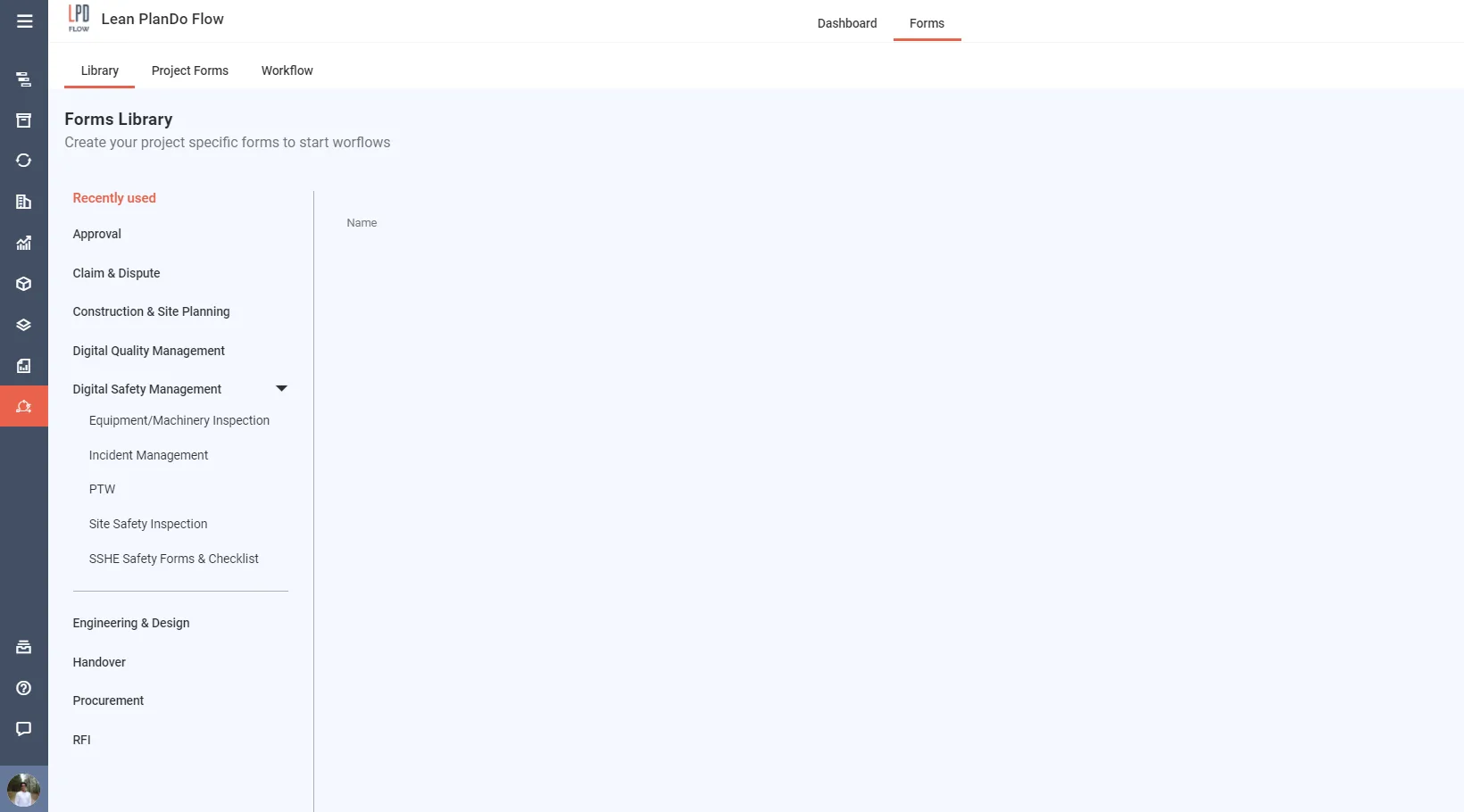
The Library holds the most commonly used forms, ready to use. Any user can use them. They follow industry standards.
The forms sit in four categories, each with sub-categories:
- Engineering & Design
- Contracts
- Digital Quality Management
- Digital Safety Management
Each Library form comes with a suitable workflow. Users can submit, approve, reject and sign forms digitally.
To use a Library form in your project:
- Click Add to Project beside the form. The Adding project form page opens.
- Fill in ISO No., Template Name and Revision No. Add a Description if you want. Discipline and Category come from the Library form.
- Click Create.
The video shows the steps. To learn more, see Flow templates.
Last updated 2023-07-19. Part of Library in the Lean PlanDo manual. Lean PlanDo by Lean Station.