
Lean PlanDo manual › Masterplan
Delete a constraint
Delete a constraint from an activity or a task, in the Masterplan or the Lookahead Gantt chart.
You can delete a constraint (work that must be cleared before a task can be done, such as getting site access) from an activity or a task, in the Masterplan or in the Lookahead Gantt chart.
-
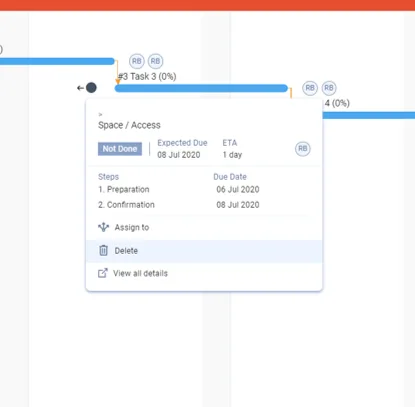
Click the constraint once to open its widget view.
-
Click Delete. You see it only if you have delete rights.
-
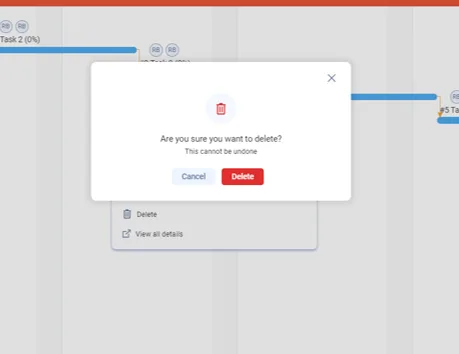
The message Are you sure you want to delete? appears, with This cannot be undone. Click Delete to confirm, or Cancel to stop.
Last updated 2020-05-20. Part of Masterplan in the Lean PlanDo manual. Lean PlanDo by Lean Station.