
Lean PlanDo manual › Masterplan
Delete an activity
Delete an activity from the Masterplan when it is no longer part of the plan. Deleting cannot be undone.
You can delete an activity from the Masterplan at any time. Deleting cannot be undone: you cannot bring the activity back. After you delete it, the plan's progress and dates update.
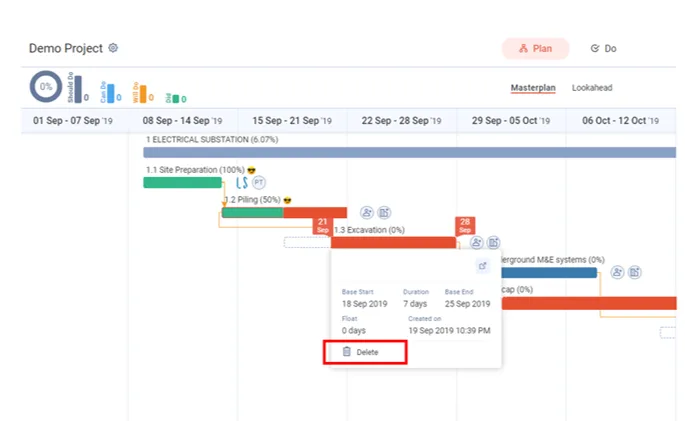
- Click the activity bar to open the activity widget. You can also open the activity's three-dots menu.
- Click Delete.
- The app asks "Are you sure you want to delete?" and warns "This cannot be undone". Click Delete to confirm, or Cancel to keep the activity.
Last updated 2023-07-10. Part of Masterplan in the Lean PlanDo manual. Lean PlanDo by Lean Station.