
Lean PlanDo manual › Do List
Confirm and lock the Do week
Confirm the week's progress and constraint updates in the Do tab, and see what must be done before you can.
Confirm and lock the Do tab to confirm all updates for that week: task progress, constraint status and due dates. It records the work the main contractor and sub contractors committed to and carried out.
To confirm, click Confirm and Lock at the top right of the Do tab, next to Actions Required. Lean PlanDo asks Are you sure you want to confirm? After you confirm, nobody can change that week's data, including task progress.
Only users with confirm permission see Confirm and Lock. It does not show on a finished week.
What must be done first
Lean PlanDo checks these rules when you confirm:
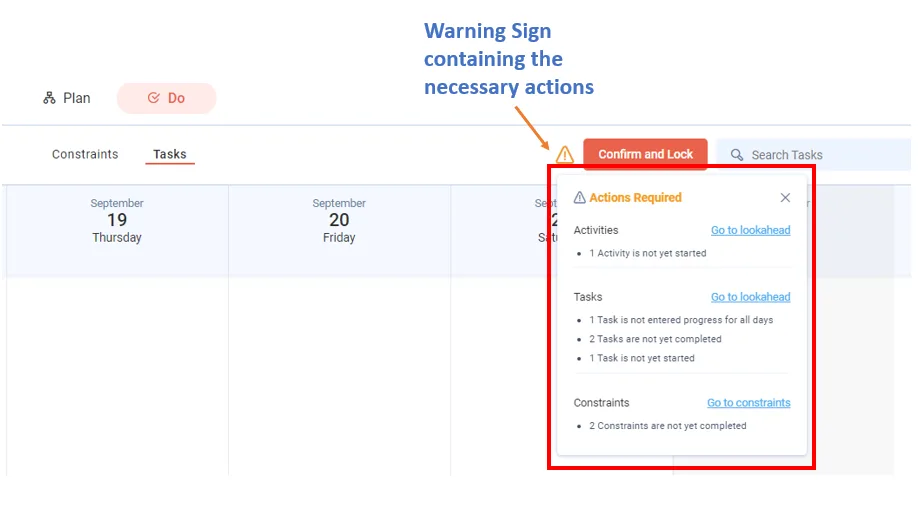
- Every task in the Do tab has progress for every date in the Do week (the first week of the Lookahead, where tasks can be committed; it should be the current calendar week).
- No uncommitted tasks in the Lookahead fall in the Do week. Commit and update them, or delay them to the next week.
- No constraint in the Do week is left undone. Every constraint or step with a due date in the Do week must be marked Done or delayed to a later date.
- No activity is left without tasks. Break each such activity into tasks, then commit and update them, or move it outside the Do week.
If anything is missing, Lean PlanDo shows a warning with the actions required.
What happens after you confirm
- Insights data updates and locks, based on this confirmation. This keeps Insights up to date for analysis.
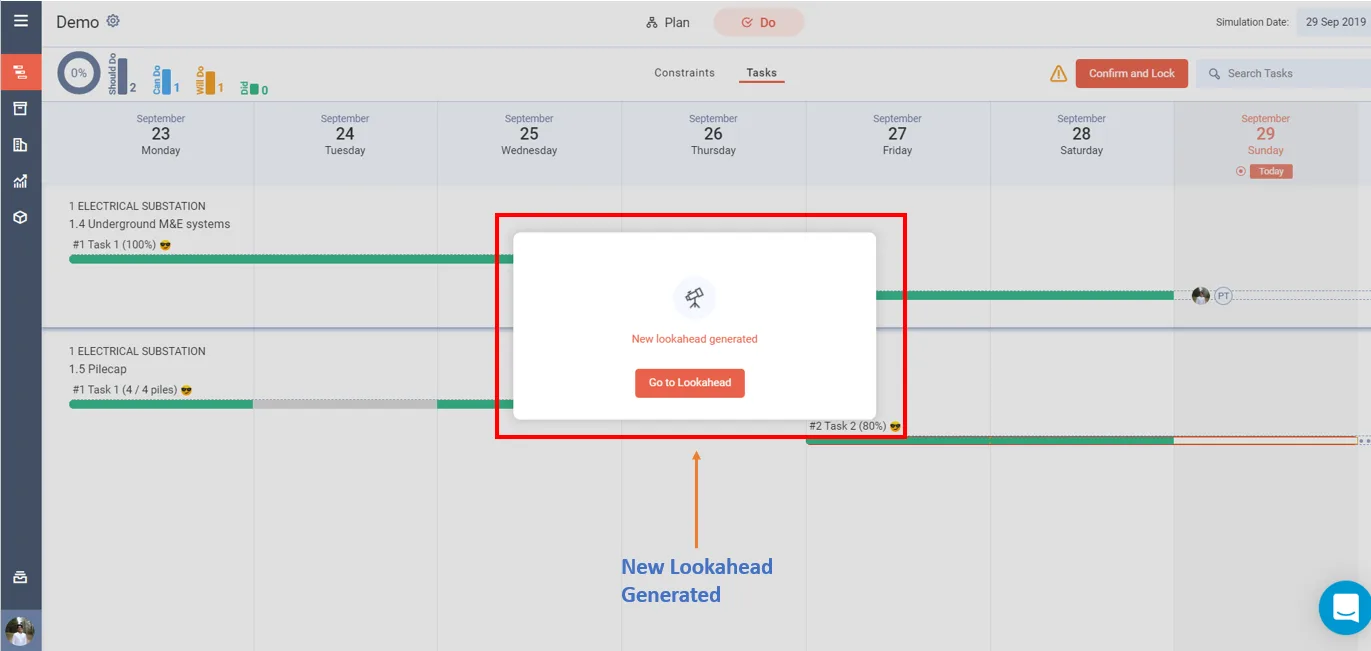
- Next week's Lookahead is generated only after all committed tasks are complete and all issues raised are resolved.
- The new Lookahead starts with the new Do week (the week after the last one). It holds the activities and tasks in progress, plus new activities, tasks and constraints. The project then runs another cycle: plan, commit, carry out and confirm.
- The tasks under each activity update in the Lookahead. Completed or delayed activities also show in the Masterplan.
Last updated 2023-07-10. Part of Do List in the Lean PlanDo manual. Lean PlanDo by Lean Station.