
Lean PlanDo manual › Getting Started
Sign up
Create a Lean PlanDo account, set a password and confirm your account from the email you receive.
Create an account to try out Lean PlanDo, or to start using it if you hold a commercial licence.
-
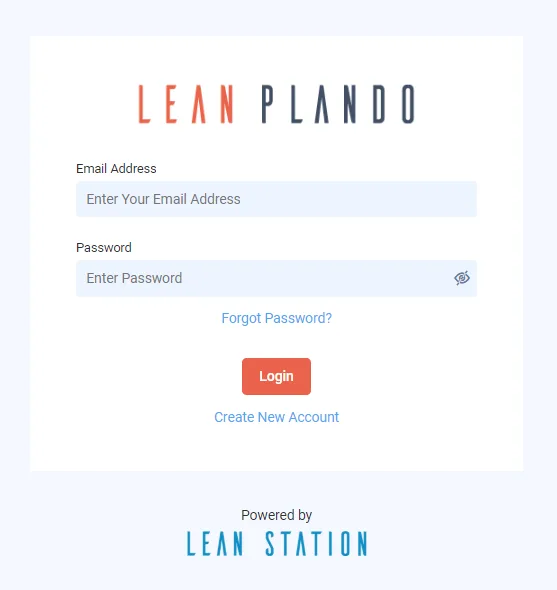
Go to app.leanplando.com.
-
Click Create New Account.
-
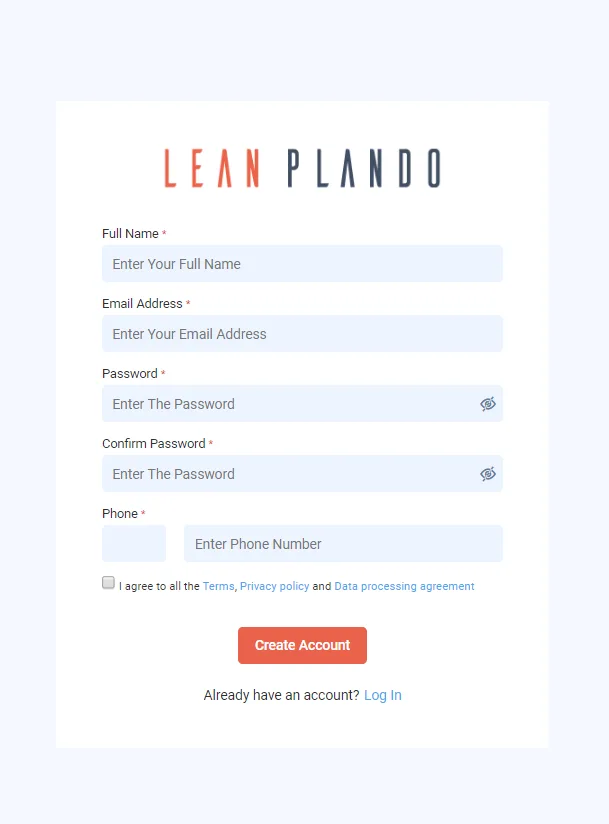
Fill in Full Name, Email, Password, Confirm Password and Phone. Your password must be at least 12 characters. See Set a strong password.
-
Agree to the Terms, Privacy Policy and Data Processing Agreement.
-
Click Create Account. You see the message Congratulations! Your registration is successful.
-
Open the email from Lean PlanDo titled Account Confirmation.
-
Click Confirm my account. Your account is now registered and you can log in.
For help and support, contact support@leanstation.com.
Last updated 2022-09-14. Part of Getting Started in the Lean PlanDo manual. Lean PlanDo by Lean Station.